
TL;DR
The best cross platform social media scheduling tools in 2026 range from free options for solo creators to full AI-powered commerce platforms. Trenz is the top pick for social commerce sellers who need product discovery, AI video generation, and GMV tracking in one place. Buffer remains the simplest choice for small teams on a budget. Hootsuite and Sprout Social serve enterprise needs with deep analytics and social listening, while tools like Planable and SocialBee fill specific niches around approval workflows and evergreen content recycling.
If you need the best cross-platform social media scheduling tool in 2026, your choice depends on your goals rather than the number of supported platforms.
– Best overall for social commerce: Trenz
– Best free scheduler: Buffer
– Best for enterprise: Hootsuite
– Best analytics: Sprout Social
– Best visual planning: Later
– Best approval workflows: Planable
– Best evergreen content: SocialBee
– Best affordable analytics: Metricool
– Best platform coverage: Vista Social
– Best balanced all-in-one: Agorapulse
For businesses selling products through TikTok Shop or social commerce channels, tools that combine scheduling, AI content generation, and revenue attribution generally provide more value than scheduling-only platforms.
Why Cross-Platform Scheduling Matters More Than Ever
The U.S. social commerce market is projected to exceed $100 billion in 2026. Meanwhile, the global social media management market is expected to grow from $36.4 billion in 2026 to $171.6 billion by 2033, according to Grand View Research. Those are big numbers, and they point to a simple truth: social media is no longer just a marketing channel. It’s a sales channel.
Yet most scheduling tools still treat social media like a megaphone. You write a post, pick a time, hit publish, and hope for the best. That worked in 2020. In 2026, the real bottleneck isn’t posting at the right time. It’s not having enough high-quality content to post in the first place, and not knowing whether that content actually drove revenue.
This guide covers 10 of the best cross platform social media scheduling tools, evaluated on pricing transparency, AI content creation capabilities, platform coverage, and something almost no other comparison covers: commerce integration. If you sell products on social media, particularly through TikTok Shop, the gap between scheduling tools that understand commerce and those that don’t is enormous.
Explore Trenz’s cross-platform scheduling to see how scheduling connects to commerce workflows.
What Makes a Great Cross-Platform Social Media Scheduler?
Not all scheduling tools solve the same problem. Some focus on publishing content, while others include analytics, collaboration, AI content generation, or social commerce features.
When evaluating scheduling software, consider:
Supported social media platforms
AI content generation capabilities
Team collaboration features
Analytics and reporting
Social listening
Approval workflows
Mobile app quality
Integrations
Pricing transparency
Commerce attribution
The best tool depends on whether you’re a solo creator, agency, ecommerce brand, or enterprise marketing team.
At-a-Glance Comparison Table
Tool | Starting Price | Free Plan | Best For | AI Content Creation | Commerce/GMV Tracking |
|---|---|---|---|---|---|
Trenz | Free (50 credits) | Yes | Social commerce sellers | Video, image, scripts | Yes (TikTok Shop GMV) |
Buffer | $6/channel/mo | Yes (3 channels) | Solo creators | Text only | No |
Hootsuite | $99/user/mo | No | Enterprise teams | Text only | No |
Sprout Social | $199/user/mo | No | Data-driven agencies | Text only | No |
Later | $25/mo | No | Visual-first brands | Limited AI credits | No |
SocialBee | $29/mo | No | Evergreen content | Text only | No |
Planable | $19/user/mo | Yes (limited) | Agency approvals | Text only | No |
Agorapulse | $79/user/mo | No | Mid-range all-in-one | Text only | No |
Metricool | Free | Yes | Budget analytics | No | No |
Vista Social | $79/mo | No | Platform breadth | Text only | No |
Quick Comparison by Use Case
Use Case | Recommended Tool |
|---|---|
Beginners | Buffer |
Freelancers | Buffer |
Content Creators | Trenz |
Influencers | Later |
Ecommerce Brands | Trenz |
TikTok Shop Sellers | Trenz |
Agencies | Planable |
Large Marketing Teams | Hootsuite |
Enterprise Reporting | Sprout Social |
Small Business | Metricool |
How We Evaluated These Tools
Every tool was assessed across six dimensions: cross-platform coverage (how many networks it publishes to natively), pricing transparency (real monthly costs, not just headline numbers), AI content creation (text, image, and video generation), commerce integration (can it track content-to-revenue?), user sentiment from review platforms and practitioner communities, and free trial or plan availability. Priority went to tools that solve the “output gap,” where teams need more quality content than manual workflows can produce, not just better scheduling of what they already have.
1. Trenz
Best for: Social commerce sellers and TikTok Shop operators
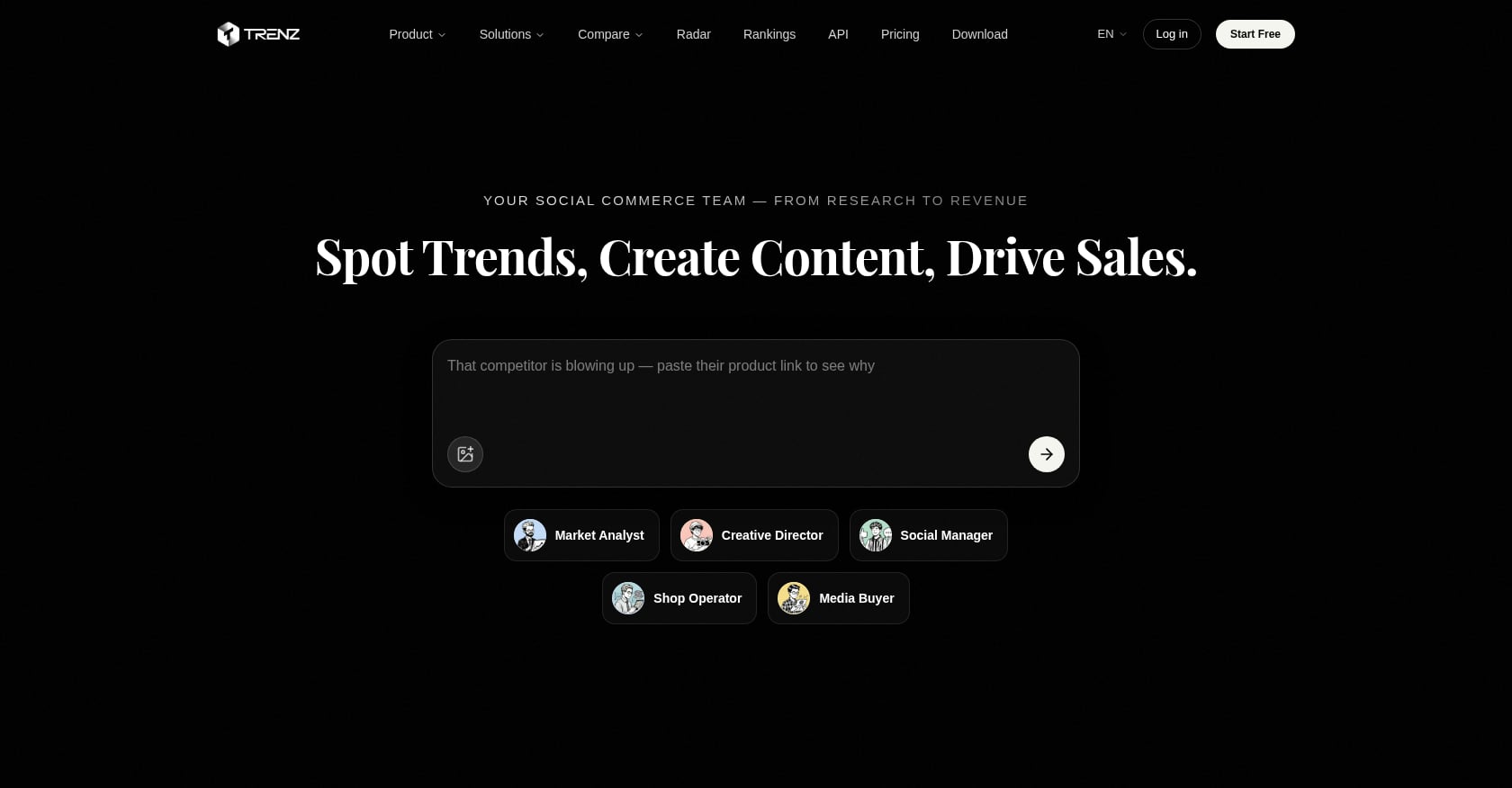
Trenz is the only tool on this list built from the ground up for social commerce. While every other scheduling tool stops at “post published,” Trenz continues through the entire pipeline: discover trending products, generate video and image content with AI, schedule across platforms, and measure the GMV impact of every piece of content.
The platform is organized around three AI agents. A Market Analyst handles product discovery and competitor tracking across TikTok Shop, Amazon, and DTC. A Creative Director generates videos (using models like Seedance 2.0, Veo 3.1, and Wan 2.6), images, scripts, hooks, and content angles. A Social Manager handles scheduling, publishing, and engagement across TikTok, Instagram, YouTube, and Facebook. A coordinating agent called “Trenzer” ties it all together.
Pricing:
Free plan: 50 credits, 1 social account, no credit card required
Growth: 250 credits/month, 3 social accounts
Pro: 650 credits/month, 10 social accounts
Scale: 1,800 credits/month, 50 social accounts, team workspace ($19/seat/month)
Credit top-ups: $10 = 100 credits. Purchased credits never expire.
Key features:
Daily Radar insights with GMV data, growth metrics, and creator concentration analysis
Monthly TikTok Shop Rankings by category and region
AI video generation in roughly 60 seconds average
Product discovery with Blue Ocean, Sales Spike, and Seasonal Bestseller filters
Content-to-storefront workflows with TikTok Shop analytics
Open API for developers and agencies building custom workflows
Tradeoffs:
Deepest value is TikTok-first. Other platforms are supported for publishing and analytics, but the commerce intelligence layer centers on TikTok Shop.
The credit system is transparent but requires planning. Video generation costs 3 credits per second, so a 30-second video runs about 90 credits.
Base plan prices for Growth, Pro, and Scale tiers aren’t displayed publicly, so you’ll need to sign up to see exact monthly costs.
Who should pick this: If you sell on TikTok Shop or plan to, no other scheduling tool comes close. The combination of product research, AI content creation, and revenue attribution in a single platform eliminates the need to stitch together three or four separate tools. For creators and agencies running affiliate or KOL programs, the creator analytics integration adds another layer most scheduling tools simply don’t have.
2. Buffer
Best for: Solo creators and budget-conscious small teams
Buffer has built its reputation on simplicity. The interface is clean, the learning curve is minimal, and the free plan is genuinely usable. For someone managing a personal brand across a few channels, it’s hard to beat.
Pricing:
Free: 3 channels, 10 scheduled posts per channel
Essentials: $5/month per channel
Team: $10/month per channel
Volume discounts kick in at 11+ channels ($4/channel), 26+ ($3), and 51+ ($1)
Key features:
AI-assisted caption writing
Basic analytics with 30-day history on the free plan
Community inbox for comment management
Supports Instagram, Facebook, X, LinkedIn, TikTok, Pinterest, YouTube, and Threads
Tradeoffs:
Per-channel pricing adds up fast. Practitioners on Reddit frequently point out that Buffer’s sticker prices look cheap until you connect multiple accounts. At 10+ channels, flat-rate tools start winning on raw price.
No AI image or video generation.
No social listening or brand monitoring.
Analytics are basic compared to Hootsuite or Sprout Social.
Real user perspective: Buffer consistently gets praise in small business communities for being “the tool that gets out of your way.” But agency teams managing 15-20 accounts report the monthly bill climbing to $60-$90, at which point other tools offer more features per dollar.
3. Hootsuite
Best for: Enterprise teams needing social listening and compliance
Hootsuite is the legacy player in this space, and it still earns its keep for large organizations that need monitoring, compliance tools, and broad platform coverage. Social listening and real-time brand mention tracking are where Hootsuite genuinely differentiates.
Pricing:
Standard: $99/user/month (5 social accounts)
Advanced: $249/user/month (unlimited social accounts)
Enterprise: custom pricing
Annual billing only. No monthly option. A team of three on the Advanced plan costs $747/month.
Key features:
Social listening and monitoring (brand mentions, competitor content, industry keywords)
Compliance and approval workflows for regulated industries
G2 ease-of-use rating of 88%
10+ supported platforms
Tradeoffs:
No free plan. The 30-day trial requires no credit card, but after that, $99/month is the floor.
Per-seat pricing makes team costs balloon quickly. Monthly billing for Advanced costs 60% more annually ($4,788 vs. $2,988 per user).
The interface feels cluttered, a complaint that shows up consistently across G2, Capterra, and independent reviews.
AI capabilities are limited to text generation. No video or image creation.
Real user perspective: Enterprise social media managers appreciate Hootsuite’s monitoring depth, but practitioners in online forums commonly note that paying $99/month “when you only really need a scheduler” is a bad trade. The value proposition is strongest when social listening and compliance are genuine requirements.
4. Sprout Social
Best for: Data-driven agencies and enterprise reporting
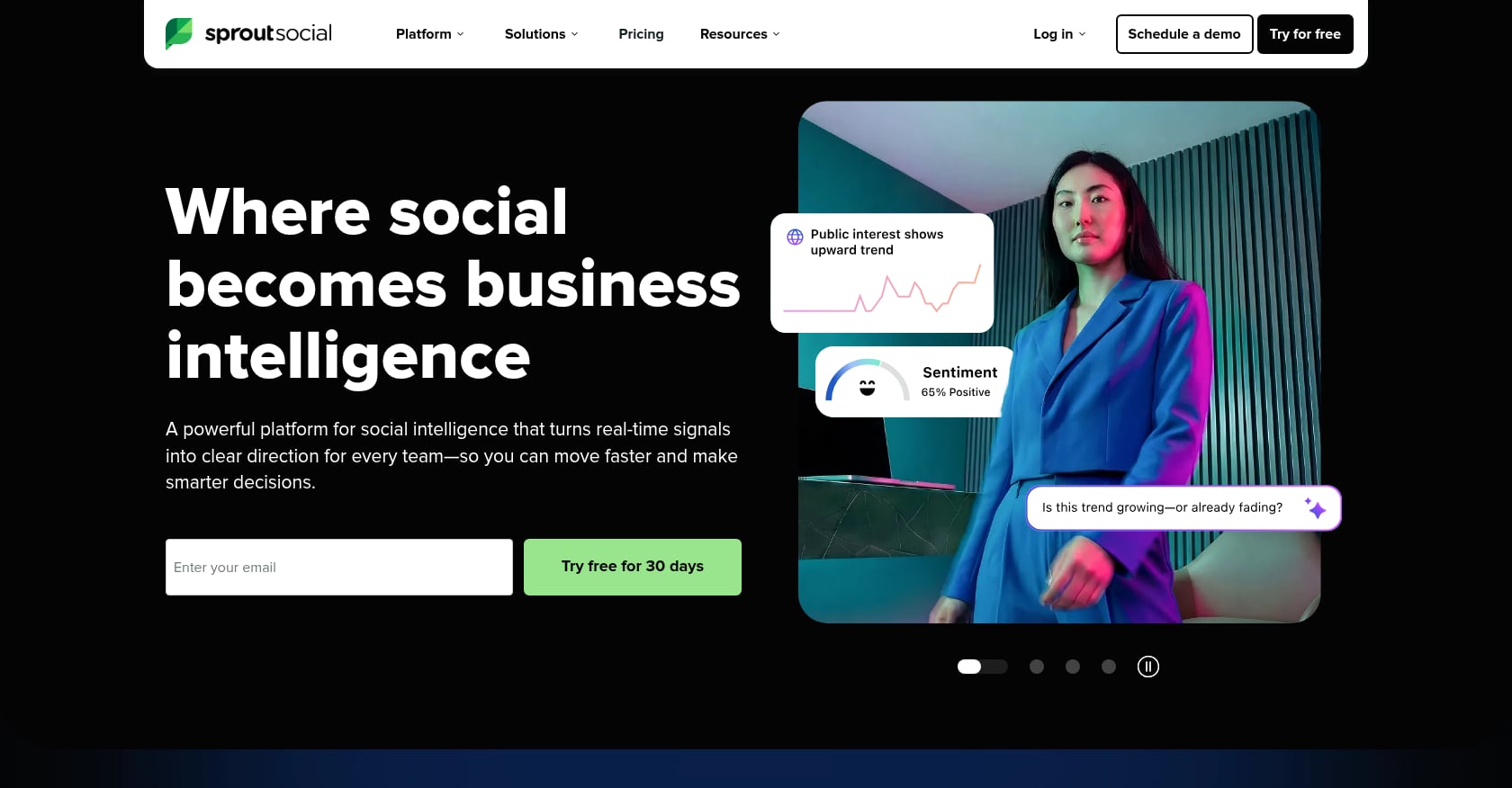
Sprout Social is the most expensive tool on this list, and it knows it. The platform’s strength is turning raw social data into stakeholder-friendly business intelligence. If your agency needs to produce polished ROI reports for clients, Sprout Social’s analytics are best in class.
Pricing:
Standard: $199/user/month
Professional: $299/user/month
Advanced: $399/user/month
Enterprise: custom
Important detail: features like Instagram grid planning, bulk scheduling, and best-time-to-post suggestions are locked behind the $299+ tiers.
Key features:
Advanced cross-network reporting with ROI attribution
Social listening and sentiment analysis
G2 ease-of-use rating of 90%
10+ supported platforms
Tradeoffs:
The price. At $199/user/month minimum, it’s 10x more expensive than some competitors offering similar scheduling capabilities.
Basic scheduling features require higher-tier plans, which feels punitive.
No AI video or image generation.
Overkill for small teams that just need to schedule posts.
Agencies that need robust cross-platform content intelligence should weigh whether Sprout Social’s reporting justifies the premium, or whether a combination of a more affordable scheduler plus a dedicated analytics tool gets them further.
5. Later
Best for: Instagram-focused visual brands
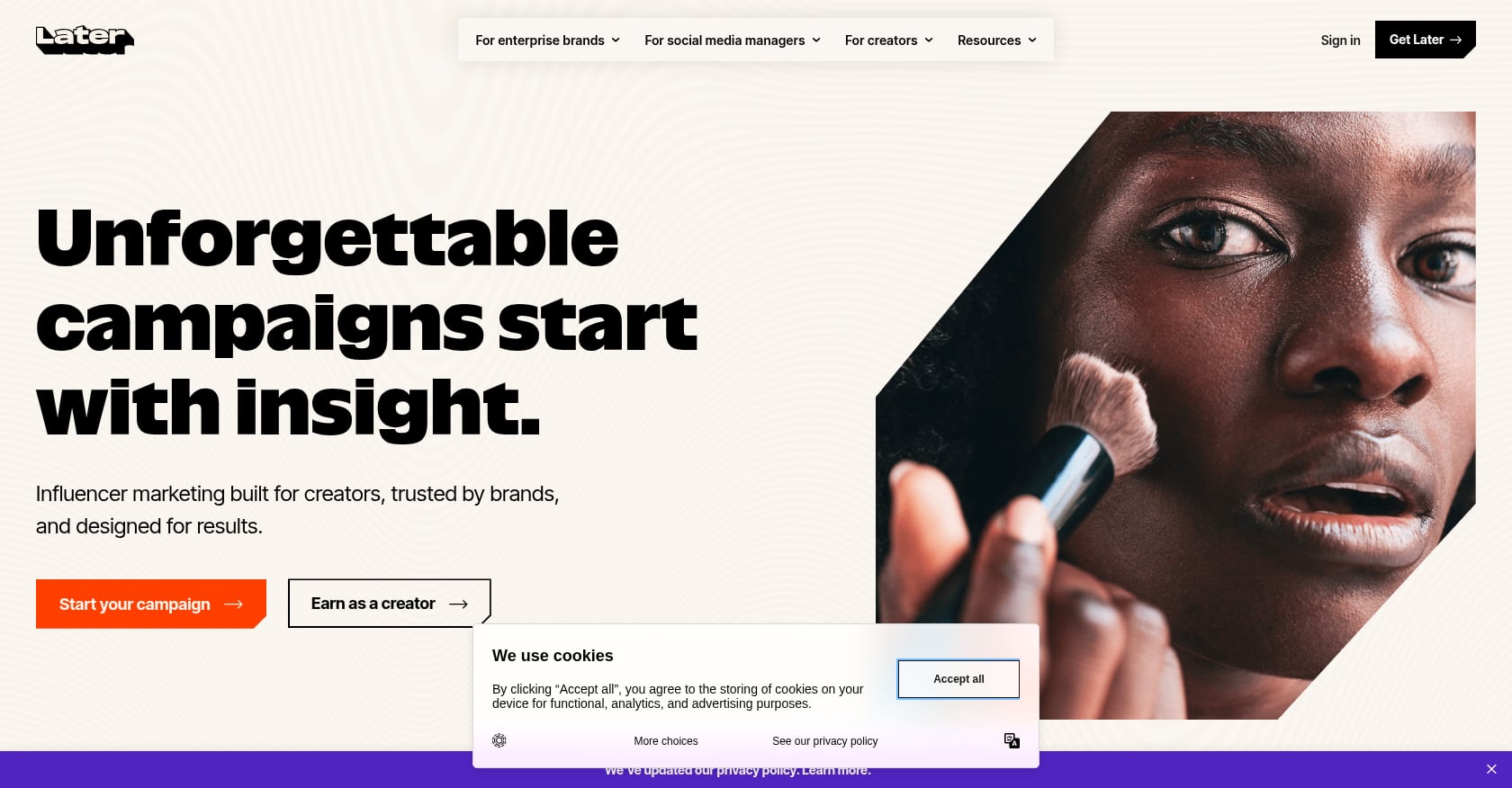
Later started as an Instagram-first scheduling tool and still leans heavily into visual content planning. The drag-and-drop calendar, visual content library, and Linkin.bio feature make it a natural fit for brands where aesthetics drive engagement.
Pricing:
Starter: $25/month
Growth: $45/month ($50 with monthly billing)
Advanced: $80/month ($110 with monthly billing)
25% discount on annual billing across all tiers
Key features:
Visual content calendar with drag-and-drop scheduling
Linkin.bio for Instagram traffic monetization
Supports Instagram, Facebook, TikTok, Threads, YouTube, Pinterest, LinkedIn, and Snapchat
Tradeoffs:
No AI content generation at all. Later doesn’t write captions, generate images, or create videos.
Add-on costs for extra Social Sets, additional users, and AI credits pile up.
Practitioners on review sites report 20-30% post failure rates, which is a significant reliability concern.
No social listening or brand monitoring.
The 14-day trial is shorter than most competitors offer.
6. SocialBee
Best for: E-commerce brands using evergreen content strategies
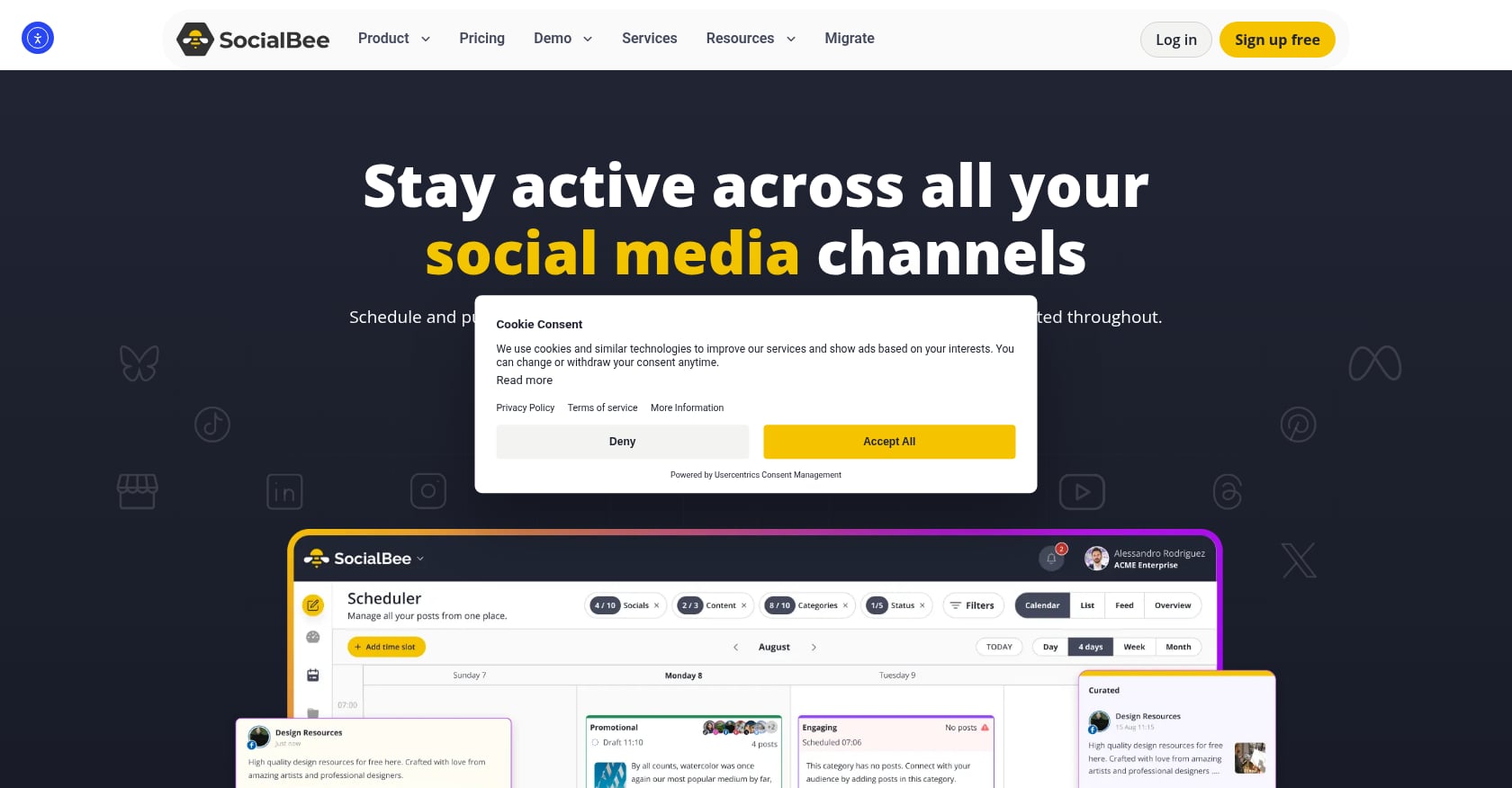
SocialBee’s standout feature is content categorization and recycling. You organize posts into categories (product demos, educational tips, behind-the-scenes), assign each category recurring time slots, and the system rotates content automatically. For e-commerce brands that need consistent posting volume without creating new content every day, this approach works well.
Pricing:
Starts at $29/month
Key features:
Content categories with automated rotation
Evergreen content recycling
Supports 7 platforms
Particularly well-suited to e-commerce posting schedules
Tradeoffs:
AI is limited to text generation.
No commerce integration or revenue attribution.
Platform coverage is narrower than Hootsuite or Vista Social.
Less useful for brands that produce mostly time-sensitive content.
For sellers who want to go beyond content recycling and connect their social posts to actual product sales data, combining SocialBee’s scheduling with a tool that offers TikTok Shop product research capabilities can fill the gap.
7. Planable
Best for: Agencies with complex approval workflows
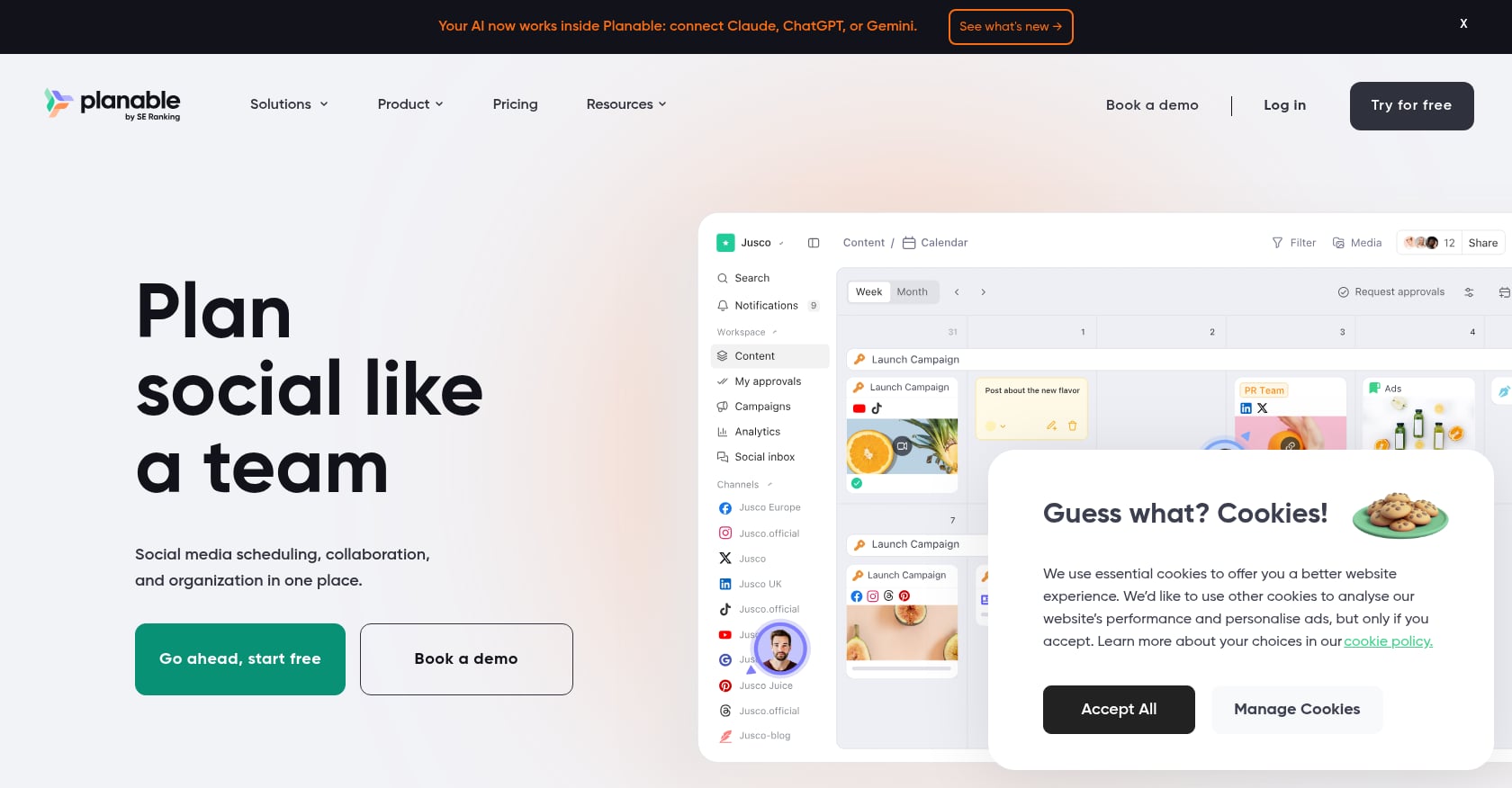
If your agency’s biggest pain point is getting content approved through multiple stakeholders, Planable was built for you. Multi-tier approval chains (creative to brand to client), task assignment at each stage, and automatic publishing after final sign-off make it the most collaboration-focused tool on this list.
Pricing:
Free marketing calendar available
Pro: $19/month per user
Key features:
Multi-tier approval workflows with automatic publishing
Task assignment and content locking after sign-off
Supports 8 platforms
Clean visual interface for content previewing
Tradeoffs:
Analytics are basic. Teams needing deep cross-network reporting will need a separate tool.
No AI video or image generation.
No social listening.
Per-user pricing means costs scale with team size.
Agencies managing multiple clients across social commerce and traditional social should also check out dedicated agency solutions that combine approval workflows with commerce intelligence.
8. Agorapulse
Best for: Mid-size teams wanting a balanced feature set
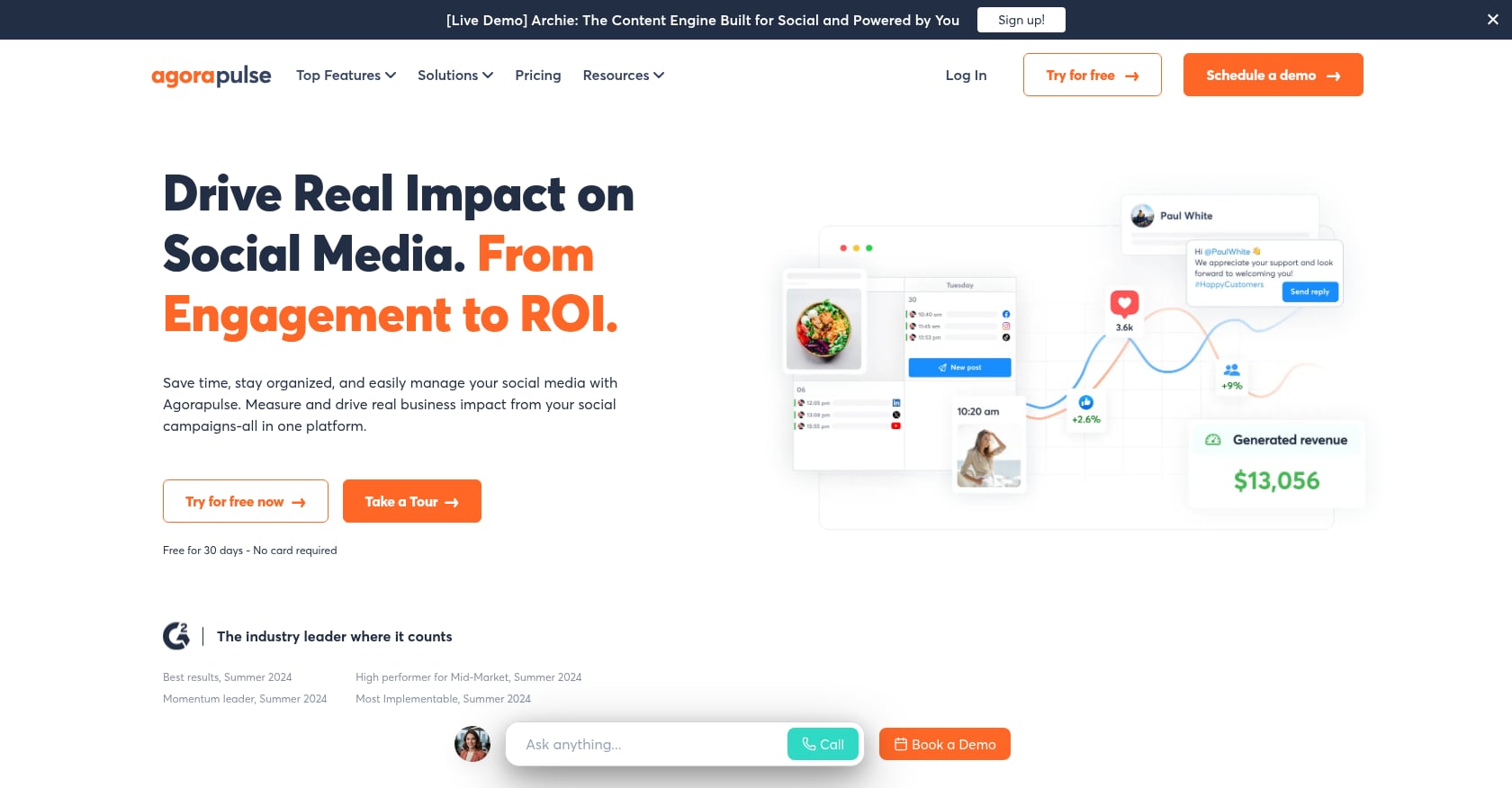
Agorapulse sits in a practical middle ground between Buffer’s simplicity and Sprout Social’s depth. It offers scheduling, social inbox management, reporting, and basic approval workflows in a single platform.
Pricing:
Standard: $79/user/month
Professional: $119/user/month (adds Instagram grid view, approval workflows, content library)
Advanced and Custom tiers available
Key features:
Unified social inbox
Content scheduling and calendar view
ROI reporting
8 supported platforms
Tradeoffs:
Key scheduling features (grid view, approval workflows) require the $119/user tier.
Still per-user pricing, which adds up for agencies. Not as expensive as Sprout Social, but configured similarly.
AI capabilities are limited to text assistance.
No commerce integration.
9. Metricool
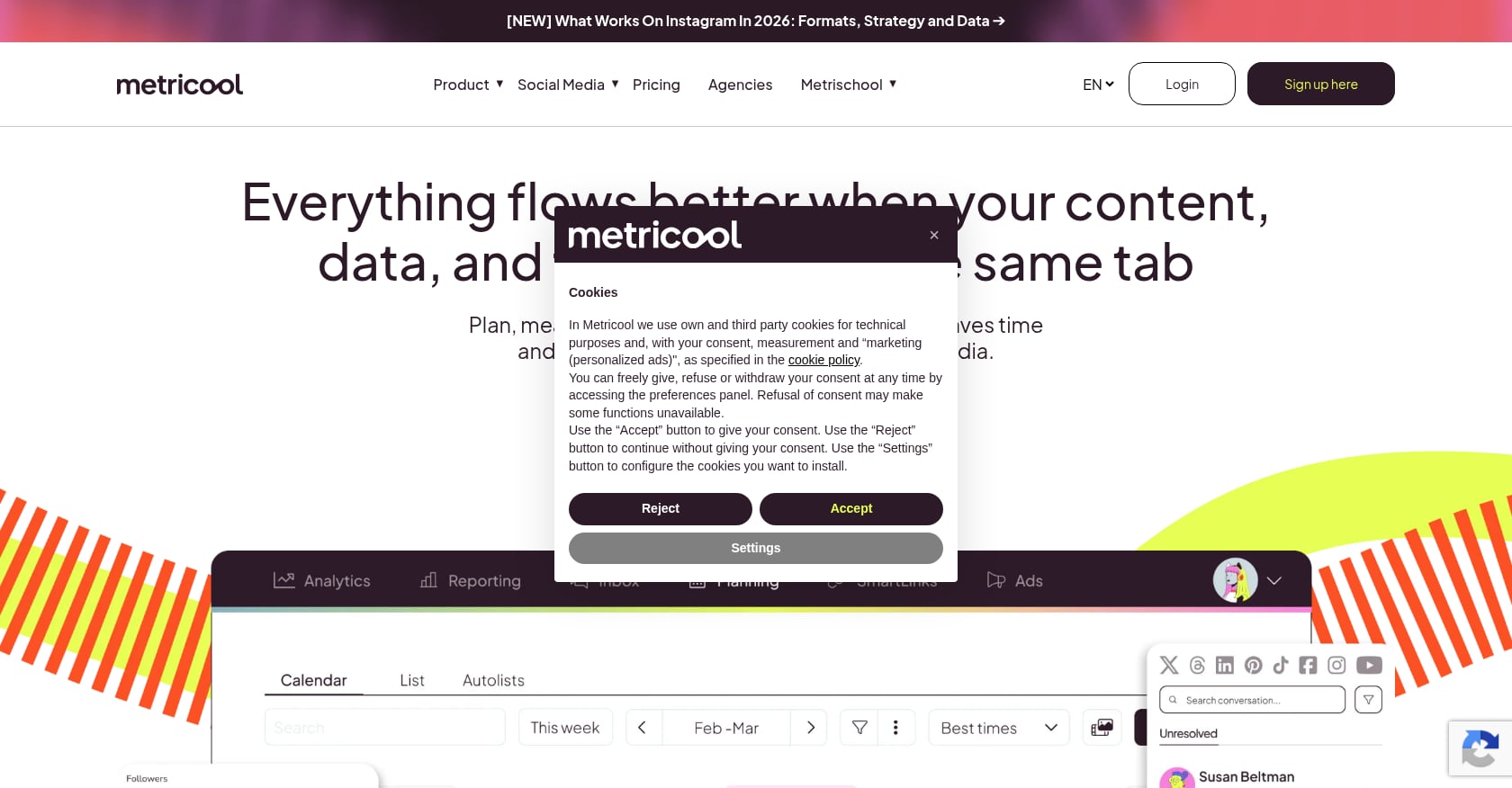
Best for: Budget-conscious teams that want real analytics
Metricool fills an underserved niche: affordable scheduling paired with meaningful analytics. The free plan is generous enough for small businesses to get genuine value, and paid tiers remain reasonable. For someone who wants to understand what’s working (not just schedule and forget), Metricool punches above its price point.
Pricing:
Free plan available with useful analytics
Paid tiers are reasonably priced compared to competitors
Key features:
Combined scheduling and analytics dashboard
Competitor analysis
7+ supported platforms
Accessible pricing for small businesses
Tradeoffs:
No AI content generation of any kind.
No social listening.
Feature depth is shallower than enterprise tools.
Less well-known, which means a smaller community and fewer third-party integrations.
10. Vista Social
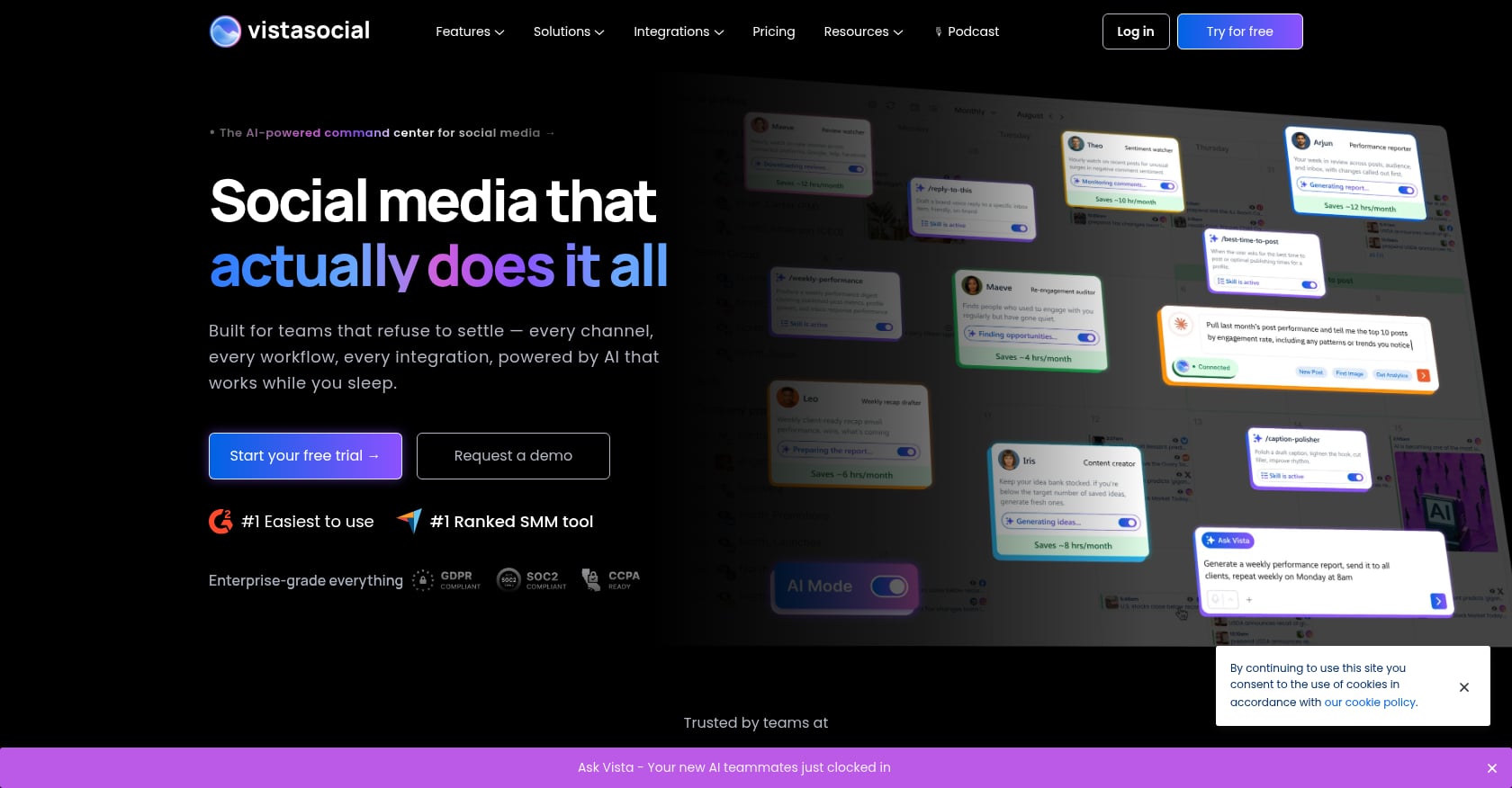
Best for: Teams needing the widest platform coverage
Vista Social supports 13 platforms, including niche networks like Reddit, Bluesky, and Tumblr that most scheduling tools ignore entirely. If your brand has an active presence on platforms beyond the typical six or seven, Vista Social eliminates the need for manual posting on those outliers.
Pricing:
Professional: $79/month (3 users, 15 accounts)
Key features:
13 supported platforms (Facebook, X, Instagram, YouTube, LinkedIn, TikTok, Pinterest, Google Business Profile, Threads, Snapchat, Reddit, Bluesky, Tumblr)
Scheduling, publishing, and engagement tools
Reporting across all connected platforms
Tradeoffs:
AI capabilities are text-only.
No commerce integration.
The breadth of platform support may come at the cost of depth on any single platform.
Less robust analytics than Sprout Social or Hootsuite.
Platform Support Comparison
Tool | TikTok | X | YouTube | Threads | ||||
|---|---|---|---|---|---|---|---|---|
Trenz | Yes | Yes | Yes | Yes | No | No | Yes | No |
Buffer | Yes | Yes | Yes | Yes | Yes | Yes | Yes | Yes |
Hootsuite | Yes | Yes | Yes | Yes | Yes | Yes | Yes | Yes |
Sprout Social | Yes | Yes | Yes | Yes | Yes | Yes | Yes | Yes |
Later | Yes | Yes | Yes | Yes | No | Yes | Yes | Yes |
SocialBee | Yes | Yes | Yes | Yes | Yes | Yes | Limited | No |
Planable | Yes | Yes | Yes | Yes | Yes | Yes | Yes | Yes |
Agorapulse | Yes | Yes | Yes | Yes | Yes | Yes | Yes | Yes |
Metricool | Yes | Yes | Yes | Yes | Yes | Yes | Yes | Limited |
Vista Social | Yes | Yes | Yes | Yes | Yes | Yes | Yes | Yes |
Features Every Modern Social Media Scheduler Should Have
Not every scheduling platform offers the same capabilities. Before choosing one, make sure it includes the features your workflow requires.
Core Features
Multi-platform publishing
Content calendar
Bulk scheduling
Media library
Hashtag management
AI Features
Caption generation
Image generation
Video generation
Hook writing
Content repurposing
Analytics Features
Engagement tracking
Reach analytics
Best posting times
ROI reporting
Conversion tracking
Team Features
Approval workflows
User permissions
Comment management
Collaboration
Client workspaces
Pricing Comparison
Tool | Free Plan | Starting Price | Pricing Model |
|---|---|---|---|
Trenz | Yes | Free | Credits |
Buffer | Yes | $5/channel | Per channel |
Hootsuite | No | $99/user | Per user |
Sprout Social | No | $199/user | Per user |
Later | No | $25 | Flat |
SocialBee | No | $29 | Flat |
Planable | Yes | $19/user | Per user |
Agorapulse | No | $79/user | Per user |
Metricool | Yes | Free | Flat |
Vista Social | No | $79 | Flat |
Buyer’s Guide: How to Choose the Right Tool
The best cross platform social media scheduling tool for you depends on what you’re actually trying to accomplish. Here’s a framework by persona:
Solo creator or personal brand: Start with Buffer’s free plan or Trenz’s free plan. Both give you enough to maintain consistent posting without spending a dollar. If you’re creating video content for TikTok, Trenz’s AI video generation will save hours per week.
Small brand (1-5 team members): SocialBee works well for evergreen content strategies. Trenz Growth is the better fit if you’re selling products and need content tied to sales data.
Agency: Planable for approval-heavy workflows. Agorapulse for a balanced all-in-one. For agencies running TikTok Shop operations for multiple clients, Trenz Scale’s team workspace and shared credit pool makes more sense, and the agency-specific features are purpose-built for this use case.
Enterprise: Hootsuite if social listening and compliance are non-negotiable. Sprout Social if executive-friendly reporting and deep analytics drive the decision.
Social commerce seller: Trenz, without close competition. No other scheduling tool on the market connects product discovery to AI content creation to publishing to GMV measurement.
The biggest mistake teams make is choosing a scheduling tool based purely on price, then paying for three additional tools to cover analytics, content creation, and commerce tracking. The cheapest scheduler is rarely the cheapest total solution.
Compare Trenz plans and credit costs to see which tier fits your workflow.
Common Mistakes When Choosing a Scheduling Tool
Many businesses purchase software based only on price, then discover it lacks critical features.
Avoid these common mistakes:
Choosing the cheapest platform instead of the best overall value
Ignoring team collaboration requirements
Paying separately for AI tools
Not checking platform compatibility
Underestimating analytics needs
Buying enterprise software for a small business
Choosing a scheduler without workflow automation
How We Tested These Platforms
To keep this comparison objective, every tool was evaluated using the same criteria:
Supported social platforms
Publishing reliability
Ease of use
AI capabilities
Analytics depth
Collaboration tools
Pricing transparency
Free plan availability
User reviews
Overall value
If pricing or features changed after publication, the article reflects the most current publicly available information at the time of writing.
FAQ
What is cross-platform social media scheduling?
Cross-platform scheduling means using a single tool to create, plan, and publish content to multiple social networks (TikTok, Instagram, YouTube, Facebook, LinkedIn, etc.) from one dashboard. Instead of logging into each platform separately, you manage everything in one place, including post timing, content variations, and analytics.
Can you schedule TikTok posts from third-party tools?
Yes, but with caveats. TikTok’s API has historically been more restrictive than Facebook’s or Twitter’s. Most scheduling tools support TikTok publishing, but features like TikTok Shop integration, affiliate commerce workflows, and TikTok-specific scheduling with shop-linked analytics are only available in tools built specifically for that ecosystem.
Which cross platform social media scheduling tools offer AI video generation?
As of 2026, Trenz is the only tool in this comparison with built-in AI video generation (using models like Seedance 2.0, Veo 3.1, and Wan 2.6). Most competitors offer AI text assistance for captions and hashtags, but none generate video or images natively. This matters because 71% of social media marketers now embed AI tools into their strategies, and the demand for short-form video continues to outpace what manual workflows can produce.
Are free scheduling tools worth it?
For small accounts, absolutely. Buffer’s free plan (3 channels, 10 posts each) is enough for a solo creator posting a few times per week. Trenz’s free plan (50 credits, 1 social account) gives access to AI content creation and product discovery features that paid plans at other tools don’t include. Metricool’s free tier adds analytics. The key question is whether the free plan’s limitations (post count, channel count, feature access) will force an upgrade within a few weeks.
How much do cross platform scheduling tools actually cost?
Headline prices are misleading. Buffer starts at $5/month, but that’s per channel. Ten channels cost $60/month. Hootsuite starts at $99/month per user with annual billing only. Sprout Social starts at $199/user/month, and core scheduling features require the $299 tier. Trenz uses a credit-based model where $10 buys 100 credits and purchased credits never expire. The real cost depends on how many social accounts you manage, how many team members need access, and whether you need features beyond basic scheduling.
Do any scheduling tools track content-to-revenue attribution?
This is the biggest gap in the market. Traditional scheduling tools like Buffer, Hootsuite, and Sprout Social measure engagement metrics (likes, shares, reach) but cannot connect a specific post to product sales or GMV. Trenz is the only tool in this comparison that ties scheduling and content performance directly to TikTok Shop revenue data, making it possible to see which videos actually drive sales.
What is agentic AI in social media scheduling?
Agentic AI refers to AI systems that don’t just assist with single tasks (like writing a caption) but coordinate entire workflows autonomously. In social media management, this means AI agents that can research trending products, generate content based on what’s selling, schedule it at optimal times, and adjust strategy based on performance data. Recent product launches on Product Hunt show a clear trend toward automation-heavy workflows, including AI-led short-form video production and API-based scheduling. Trenz’s agent-based architecture (Market Analyst, Creative Director, Social Manager) is an early example of this approach in production.
Author


