
TL;DR
Cross platform post scheduling tools let you publish to multiple social networks from one dashboard, saving hours every week. For most small teams and solo creators, Buffer or Publer offer the best value under $50/month. Enterprise teams with social listening needs should look at Hootsuite or Sprout Social. If you sell on TikTok Shop and need to connect your scheduled posts to actual revenue, Trenz is the only tool that builds product discovery, AI video creation, and GMV tracking into the scheduling workflow.
Switching between four or five social apps to post the same content eats 5 to 10 hours a week. Cross platform post scheduling eliminates that friction by letting you draft, queue, and publish from a single calendar. But in 2026, with the social media management market projected to reach $124.63 billion by 2032, just solving publishing logistics isn’t enough anymore.
Here’s the shift most scheduling tools haven’t caught up with: 40% of consumers now make purchases influenced by social media, according to Forbes Advisor. Social commerce is no longer a side channel. Yet the vast majority of scheduling platforms still measure success in likes and reach, not revenue.
To make sense of this crowded category, think about cross platform scheduling in four maturity levels:
Calendar and Queue, where you schedule posts and see them on a calendar (Buffer, Publer).
Optimize and Collaborate, adding best-time-to-post suggestions, approval workflows, and analytics (Hootsuite, Later, Planable, SocialBee).
Create and Schedule, where AI helps generate content before you schedule it (SocialBee, Vista Social).
Discover, Create, Schedule, and Measure Revenue, where product intelligence feeds content creation, which feeds scheduling, which feeds GMV tracking (Trenz).
This article covers tools at every level, with full pricing and honest tradeoffs. No marketing fluff.
Best Cross Platform Post Scheduling Tool (Quick Answer)
If you only need the short answer:
– Best overall: Trenz (best for TikTok Shop sellers and social commerce)
– Best budget: Publer
– Best free tool: Buffer
– Best for agencies: Planable
– Best enterprise: Hootsuite
– Best analytics: Metricool
– Best Instagram planning: Later
– Best evergreen scheduling: SocialBee
– Best CRM integration: Sprout Social
– Best platform coverage: Vista Social
The right choice depends less on features and more on your workflow. A solo creator usually needs affordability and ease of use, while an ecommerce brand may benefit more from revenue attribution and AI content creation than advanced reporting.
Key takeaway: The best scheduling tool is the one that supports your primary social platforms, fits your budget, automates repetitive work, and provides the reporting that matches your business goals.
At-a-Glance Comparison Table
Tool | Starting Price | Free Plan | Best For | Platforms | AI Content | TikTok Shop Integration | Rating |
|---|---|---|---|---|---|---|---|
Trenz | Free (50 credits) | Yes | Social commerce / TikTok Shop sellers | 4 | Video, image, scripts | Yes (native) | — |
Buffer | $5/channel/mo | Yes (3 channels) | Solo creators, simplicity | 11 | Captions only | No | 4.3/5 G2 |
Hootsuite | ~$99/user/mo | No (30-day trial) | Enterprise teams, social listening | 9 | OwlyWriter AI | No | 4.3/5 G2 |
Later | $25/mo | Yes (limited) | Visual brands, Instagram-first | 8 | Basic captions | No | ~4.2/5 |
SocialBee | $29/mo | No (14-day trial) | Category-based scheduling | 8 | AI captions | No | ~4.5/5 |
Sprout Social | $199/seat/mo | No (30-day trial) | Enterprise CRM teams | 8+ | AI Assist | No | ~4.4/5 G2 |
Planable | $33/workspace/mo | Yes (50 posts lifetime) | Agency client approvals | 9 | No | No | 4.5/5 G2 |
Metricool | $25/mo (Starter) | Yes (1 brand) | Analytics-first teams | 11 | Basic captions | No | 4.5/5 Capterra |
Publer | $12/mo | Yes | Bulk scheduling, budget | 9+ | AI captions | No | ~4.5/5 |
Vista Social | $79/mo | No (14-day trial) | Feature depth at mid-range price | 13 | Yes | No | ~4.6/5 |
How We Chose the Best Cross Platform Scheduling Tools
To make this comparison useful, every platform was evaluated using the same criteria.
Evaluation Criteria
Factor | Weight |
|---|---|
Platform support | 20% |
Ease of use | 15% |
Scheduling features | 15% |
AI capabilities | 15% |
Analytics | 10% |
Collaboration | 10% |
Pricing | 10% |
Value for money | 5% |
Only tools with active development, multi-platform scheduling, and reliable publishing support were included.
What to Look for in a Cross Platform Scheduling Tool
Before picking a tool, get clear on what actually matters for your workflow. These are the criteria that separate useful scheduling platforms from ones you’ll abandon in three months.
Platform support breadth. At minimum, you need TikTok, Instagram, YouTube, and Facebook. Bonus points for Threads, Pinterest, LinkedIn, and newer networks like Bluesky. If a tool doesn’t support where your audience actually is, nothing else matters.
Best-time-to-post optimization. Choose a platform that analyzes your past activity and recommends optimal posting times. This single feature can shift engagement rates meaningfully without any extra effort on your part.
AI content creation. In 2026, AI-assisted captions are table stakes. The new bar is AI video and image generation built into the scheduling workflow. According to practitioners on industry forums, AI feature integration is driving tool prices up 15 to 30% this year, so evaluate whether the AI capabilities justify the cost.
Pricing model clarity. Some tools charge per channel, others per user, per workspace, or per credit. A $5/month headline price can balloon quickly when you connect six accounts and add two team members. Read the fine print.
Commerce connection. This is the gap most tools ignore entirely. If you’re selling products through social channels, your scheduler should link posts to actual sales data, not just engagement metrics. For teams running cross platform content intelligence strategies, this connection between content and revenue is non-negotiable.
Unified inbox. Responding to comments and DMs across platforms from one place saves significant time. Not every tool includes this, and some charge extra.
Mobile app. A mobile app helps you manage and schedule posts on the go, which matters when trends move fast and you need to react in hours, not days.
Which Scheduling Tool Is Right for You?
If you are… | Best Tool |
|---|---|
Solo creator | Buffer |
Freelancer | Publer |
Small business | Buffer |
Marketing agency | Planable |
Enterprise | Hootsuite |
Ecommerce brand | Trenz |
TikTok Shop seller | Trenz |
Instagram creator | Later |
Analytics-focused marketer | Metricool |
Large social team | Sprout Social |
The 10 Best Cross Platform Post Scheduling Tools
1. Trenz
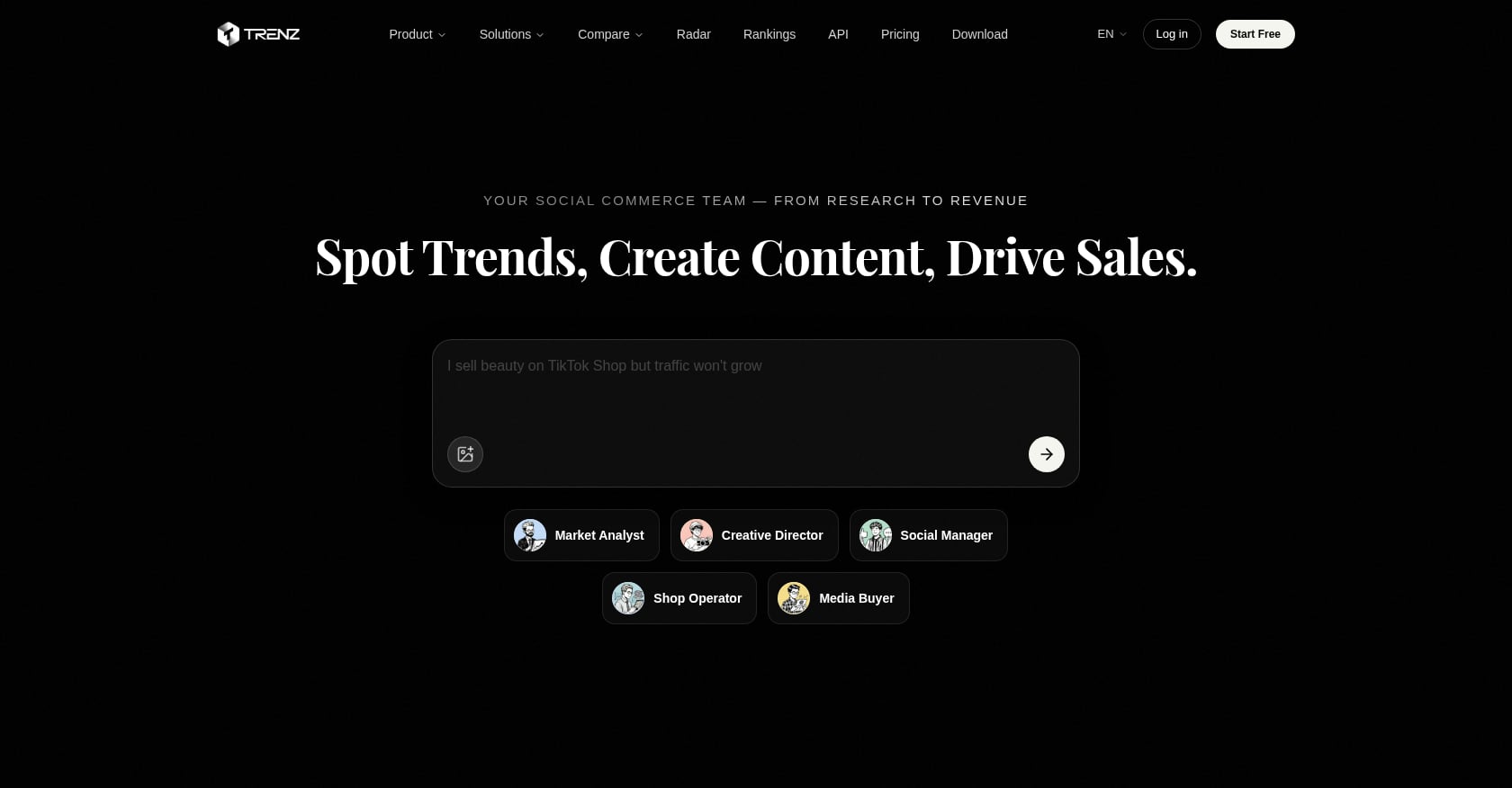
Best for: TikTok Shop sellers and social commerce brands that need product discovery, AI video creation, cross platform post scheduling, and GMV measurement in one workflow.
Platforms: TikTok, Instagram, YouTube, Facebook
Pricing:
Free: 50 welcome credits, 1 social account (no credit card required)
Growth: 250 credits/month, 3 social accounts
Pro: 650 credits/month, 10 social accounts
Scale: 1,800 credits/month, 50 social accounts, team workspace at $19/seat/month
Credit top-ups: $10 = 100 credits (Pro gets +20% bonus, Scale gets +50% bonus)
Key features:
Three AI agents (Market Analyst, Creative Director, Social Manager) coordinate a full pipeline from product research to publishing
Product intelligence covers 50M+ TikTok products with daily Radar trend reports and monthly Rankings tracking approximately $408.7M in GMV
AI video generation using Seedance 2.0, Veo 3.1, and Wan 2.6 with an average generation time around 60 seconds
Cross platform scheduling calendar with best-time-to-post insights
Unified comments and messages inbox across connected platforms
Content-to-revenue attribution for TikTok Shop posts
This is the only tool on this list where you can discover a trending product, generate a video ad for it, schedule that video across platforms, and then track whether the post actually drove sales. Standard schedulers stop at “post published.” Trenz follows through to “sale attributed.”
Tradeoffs:
Deepest value is tied to TikTok Shop. Other platforms are supported for publishing and analytics but don’t get the same commerce data depth.
The credit model means video-heavy users need to budget carefully. Video generation costs 3 credits per second, so a 30-second clip runs about 90 credits.
Platform coverage is four networks. If you need Pinterest, LinkedIn, or Snapchat scheduling, you’ll need a second tool.
For TikTok Shop sellers tired of stitching together separate tools for product research, video creation, and scheduling, Trenz collapses that into one workflow.
Explore Trenz pricing and plans
2. Buffer
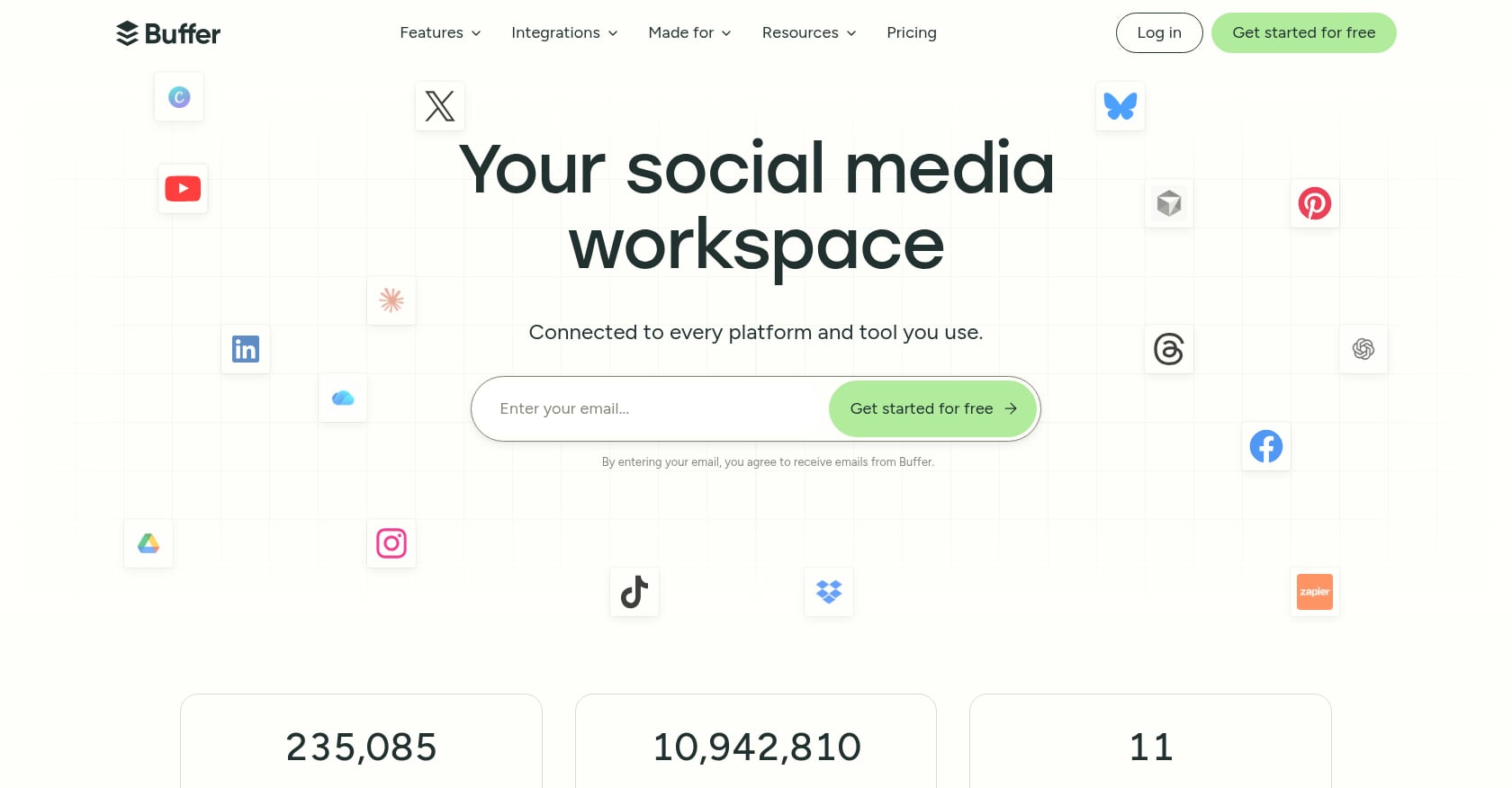
Best for: Solo creators and small teams wanting clean, simple scheduling under $50/month.
Platforms: Instagram, Facebook, X, LinkedIn, TikTok, YouTube Shorts, Pinterest, Threads, Bluesky, Mastodon, Google Business Profile (11 total)
Pricing:
Free: 3 channels, 10 scheduled posts per channel, built-in AI assistant
Essentials: ~$5/channel/month (annual billing)
Team: ~$10/channel/month (annual billing), unlimited team members
Key features:
Extremely fast to learn and set up
Broadest free plan among simple schedulers
AI assistant for caption writing
Clean, uncluttered interface
Tradeoffs:
Analytics are limited and don’t cover all platforms
No social listening tools at any price tier
No competitor tracking
No ecommerce or TikTok Shop integration
No built-in video creation
Buffer holds a 4.3 out of 5 on G2, and the praise almost always centers on speed of adoption. If your needs are straightforward (write a caption, pick a time, hit schedule), Buffer does that extremely well. The per-channel pricing stays affordable until you’re managing more than about eight accounts, at which point it starts climbing fast.
3. Hootsuite
Best for: Enterprise teams that need social listening, deep analytics, unified inbox, and approval workflows in one place.
Platforms: Instagram, Facebook, X, LinkedIn, TikTok, Pinterest, YouTube, Threads (9 total)
Pricing:
No free plan (removed in 2023). 30-day free trial available.
Standard: ~$99/user/month (annual billing)
Advanced: ~$249/user/month (unlimited accounts, custom analytics, approval workflows)
Enterprise: Custom pricing
Key features:
Named G2’s number one marketing product for 2026
Social listening and competitor monitoring built in
OwlyWriter AI for content generation
Advertising management alongside organic scheduling
Full team collaboration with approval chains
Tradeoffs:
Starts at $99/month for a single user, making it expensive for small teams that just need to schedule posts
Interface can feel overwhelming, especially for new users
Occasional reliability issues reported by practitioners
Limited mobile app features compared to the desktop experience
Hootsuite is the most comprehensive tool on this list if you can stomach the price. The gap between its Standard and Advanced tiers is steep ($150/user/month difference), so teams often find themselves paying for Advanced just to get approval workflows.
4. Later
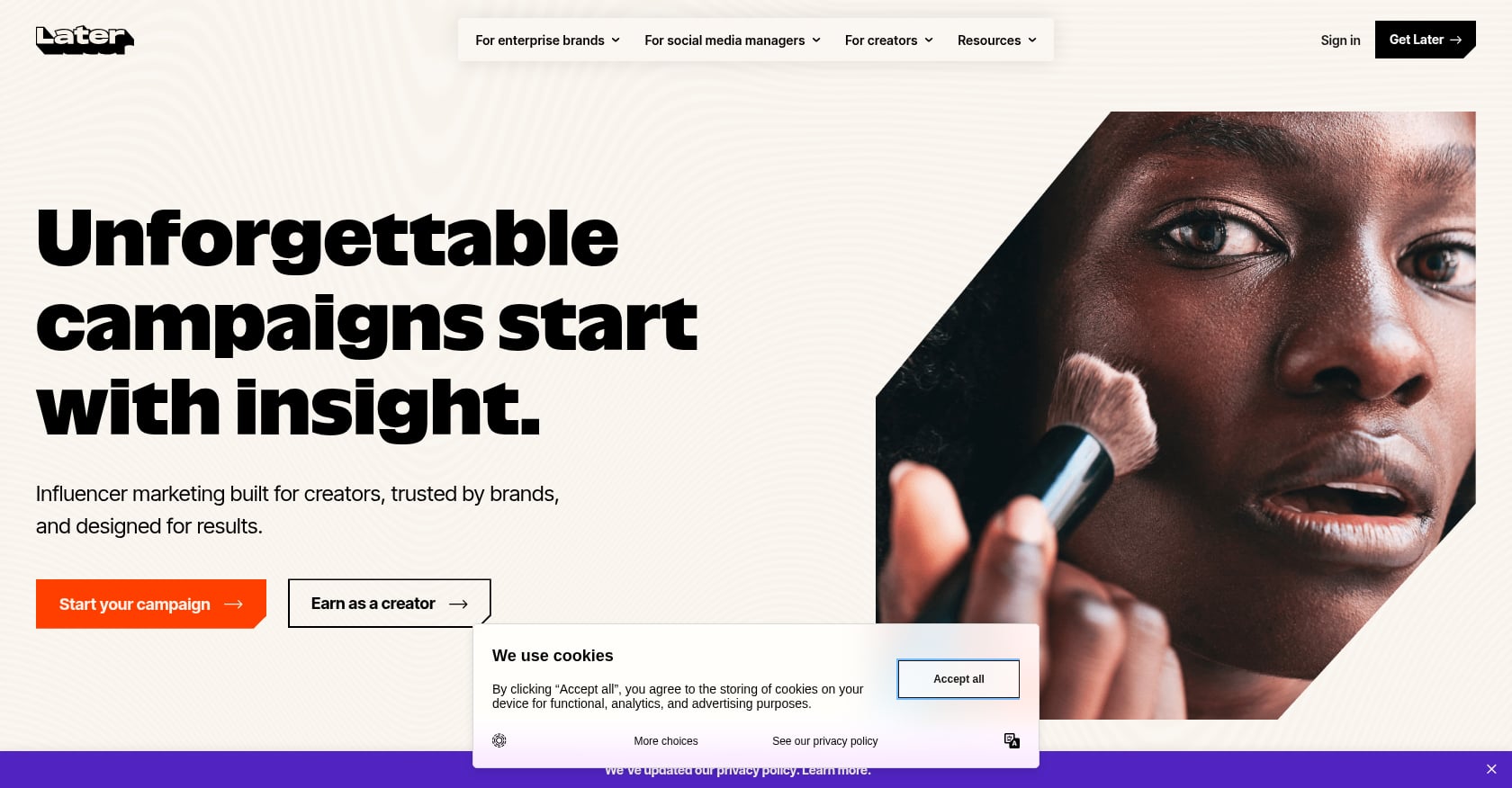
Best for: Visual-first brands where Instagram, Pinterest, or TikTok are the primary channels.
Platforms: Instagram, Facebook, TikTok, Threads, YouTube, Pinterest, LinkedIn, Snapchat (8 total)
Pricing:
Starter: $25/month
Growth: $50/month
Advanced: $110/month
All paid plans include a 25% discount on annual billing
Key features:
Visual grid planner for Instagram feed aesthetics
Linkin.bio turns your Instagram feed into a shoppable storefront where each post links to a product page
Account-specific timing optimization
Strong Instagram-first scheduling workflow
Tradeoffs:
Some users on review sites report 20 to 30% post failure rates, which is a serious reliability concern
Non-Instagram features are noticeably less mature
Dropping X/Twitter scheduling and analytics in August 2025, with users on forums reporting no reimbursement response despite paying for annual plans that included those features
If Instagram is your main channel and visual planning matters to you, Later still makes sense. But go in with open eyes about the reliability reports and the narrowing platform support.
5. SocialBee
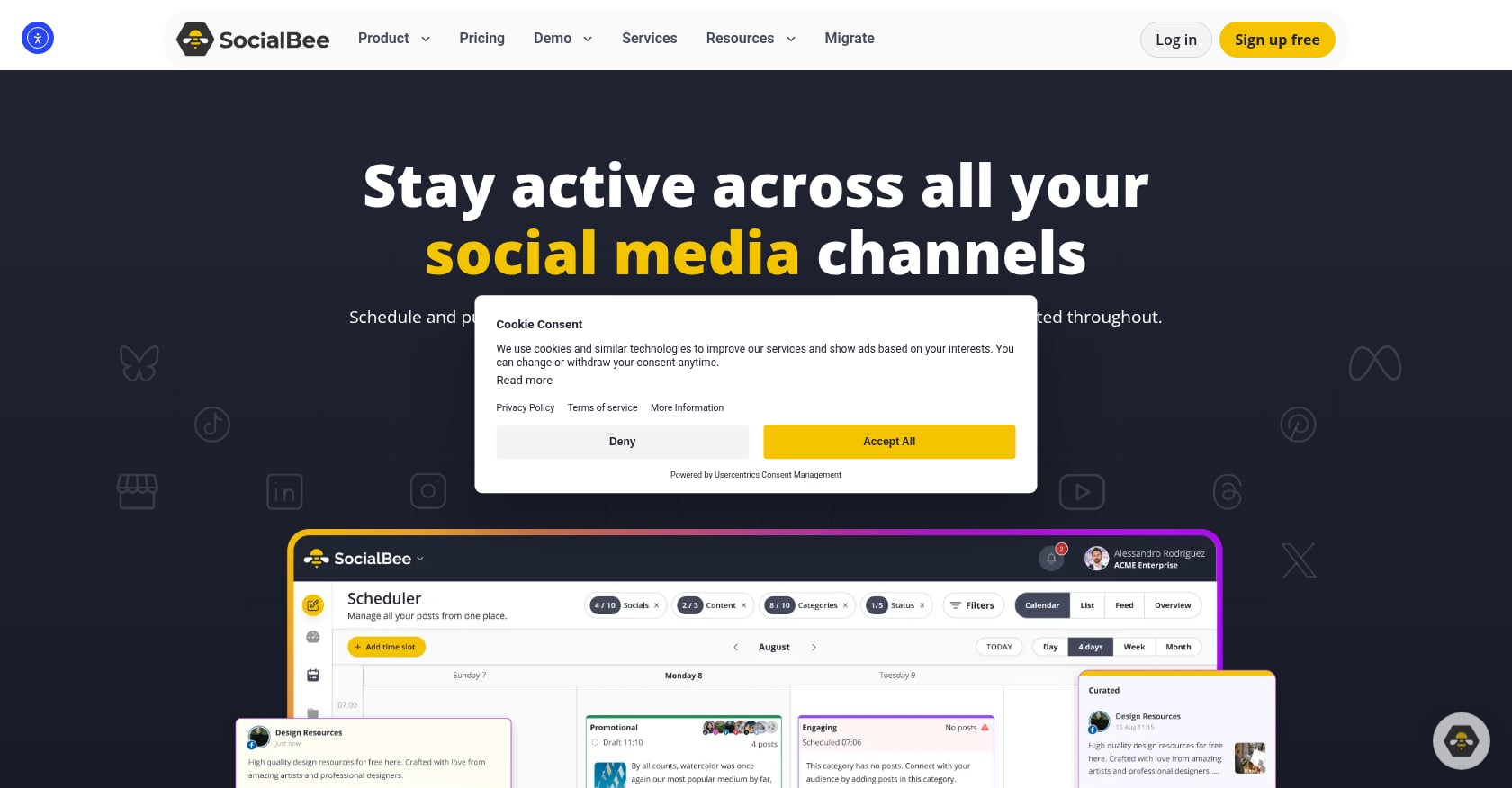
Best for: Content category-based scheduling for agencies and heavy posters who recycle evergreen content.
Platforms: 8 networks including TikTok, Instagram, Facebook, LinkedIn
Pricing:
Bootstrap: $29/month
Accelerate: $49/month
Pro: $99/month
14-day free trial
Key features:
Category-based system lets you organize posts by topic (educational tips, product demos, behind the scenes) and set different posting frequencies for each
Evergreen content automatically recycles on a schedule
AI-assisted captions
Useful for maintaining consistent posting volume
SocialBee practitioners note that the platform aligns well with TikTok’s algorithm, which rewards steady activity rather than random bursts of content. The category system makes that consistency manageable.
Tradeoffs:
Steeper learning curve than simpler tools like Buffer
The feature set is ample but takes time to configure properly
No built-in video creation or commerce tracking
6. Sprout Social
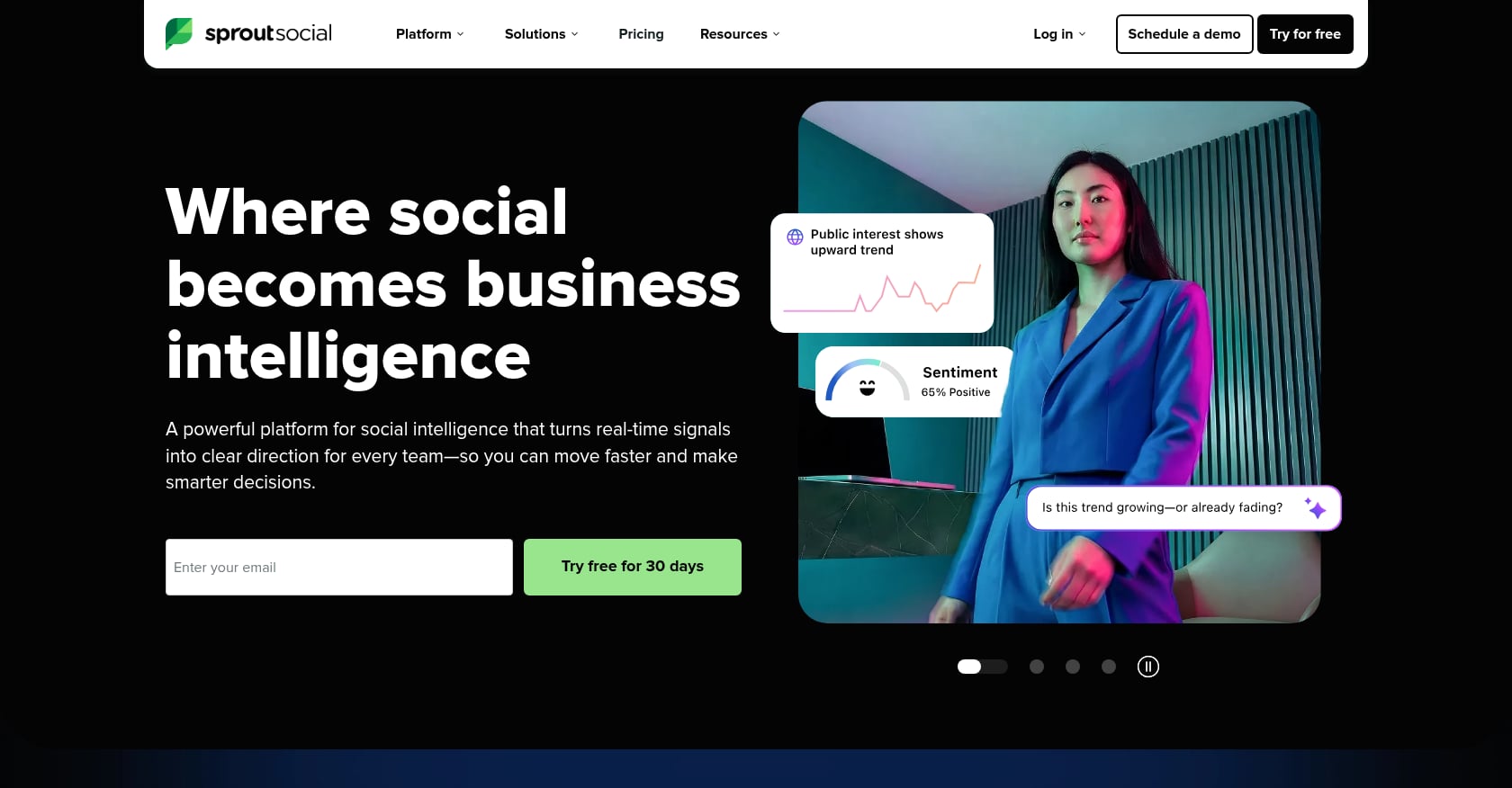
Best for: Enterprise social teams managing high-volume publishing with CRM-level reporting.
Platforms: 8+ networks
Pricing:
Standard: $199/seat/month
Professional: $299/seat/month
Advanced: $399/seat/month
All tiers require annual prepayment
A 10-person team faces $23,880 to $47,880 annually before add-ons
Key features:
CRM-integrated reporting ties social engagement to customer records
Unified inbox with smart routing
AI Assist for content creation
Deep analytics with custom report builders
30-day free trial
Tradeoffs:
Cost is the most frequently cited drawback across G2 reviews. Small businesses, nonprofits, and solo marketers consistently describe the pricing as steep.
No free plan
E-commerce and creator marketing teams have different needs. If your priority is UGC capture, creator discovery, and short-form video monitoring, purpose-built platforms are worth evaluating.
Sprout Social is a powerful tool if your budget supports it. But at $199 per seat minimum, it’s priced for companies where social media is a core revenue driver with dedicated teams, not a side responsibility.
7. Planable
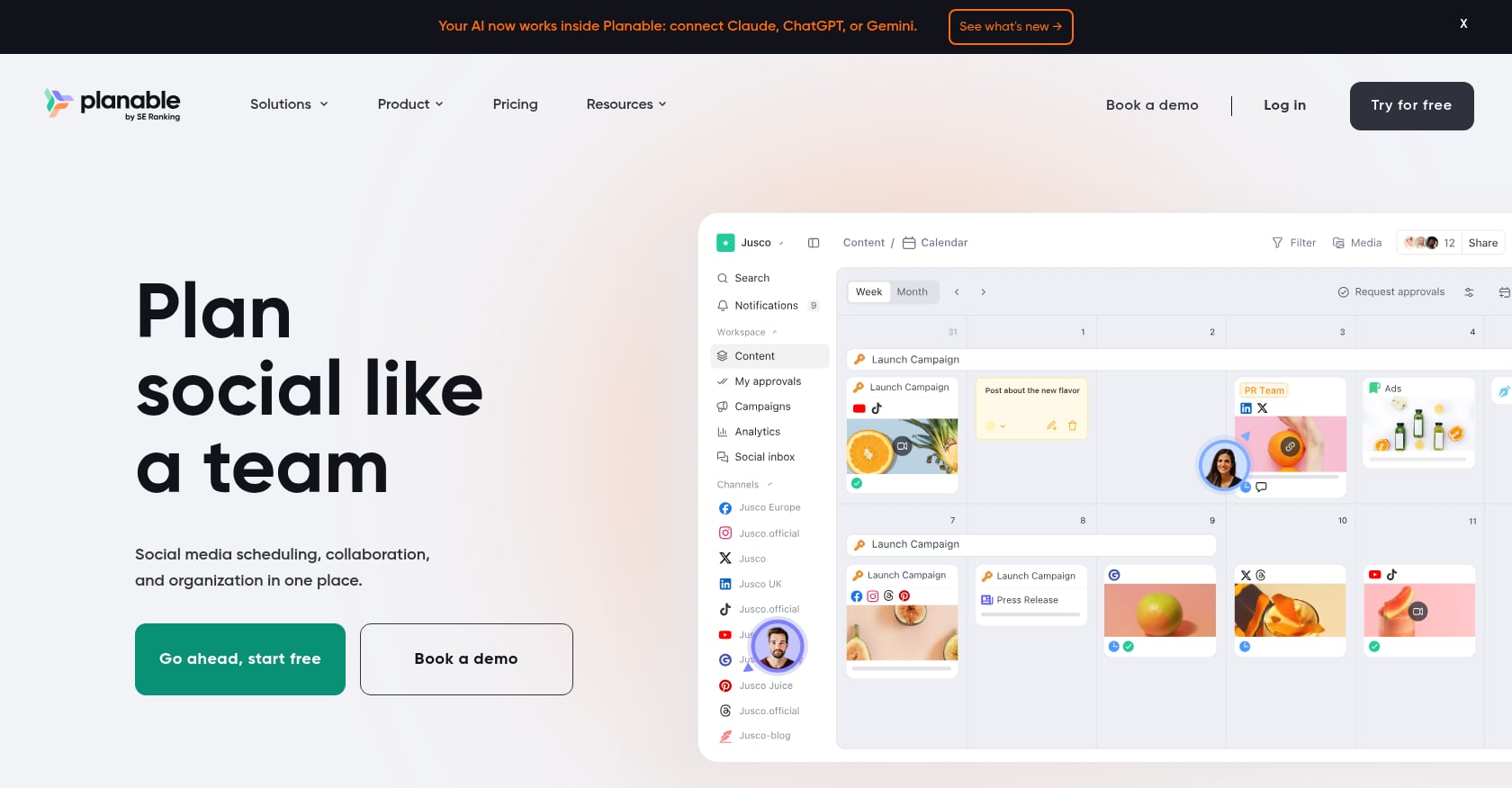
Best for: Agencies needing client approval workflows and real-time collaboration on content.
Platforms: 9 networks
Pricing:
Free: 50 posts (lifetime cap)
Basic: $33/workspace/month (60 posts, 4 social pages, 2 approval types)
Pro: $49/workspace/month (150 posts, 10 social pages)
Analytics add-on: $14/workspace/month
Social Inbox add-on: $9/workspace/month
Key features:
Content workflow is the core focus: how ideas get created, reviewed, iterated, and approved before going live
Side-by-side content previews for each platform
Multiple approval types (none, optional, required, multi-level)
Clean collaboration interface that clients can understand
Tradeoffs:
Post caps on every plan (even paid). 60 posts per workspace on Basic is restrictive for active brands.
Pricing is the single most cited complaint in the G2 review set, since those add-ons compound quickly.
No AI content generation
Analytics are basic without the paid add-on
For agencies managing multiple clients, Planable’s approval workflow is genuinely best-in-class. But the post caps and add-on pricing mean the real monthly cost is often $50 to $70+ per workspace.
8. Metricool
Best for: Data-driven marketers who want unified analytics without a big budget.
Platforms: 11 networks (but read the fine print)
Pricing:
Free: 1 brand, includes analytics that many competitors lock behind paid plans
Starter: $25/month for up to 10 brands
Advanced: $67/month for up to 15 brands
Hidden costs: LinkedIn is a +$5/account add-on. X/Twitter is a +$5/account add-on.
Key features:
One of the most generous free tiers in the market
Tracks Google Ads, Meta Ads, and TikTok Ads alongside organic content
Cross-platform analytics dashboard
Competitor benchmarking
Tradeoffs:
For most teams managing 2+ brands with LinkedIn and X, the real total cost is 30 to 60% higher than advertised
Weak team collaboration features. One Capterra reviewer noted: “There’s no way to assign a post to a teammate for manual publication. If the owner is unavailable, the post doesn’t go out.”
No social listening
Metricool is excellent for analytics on a budget, and the free tier is genuinely useful. Just model out your actual cost including add-ons before committing.
9. Publer
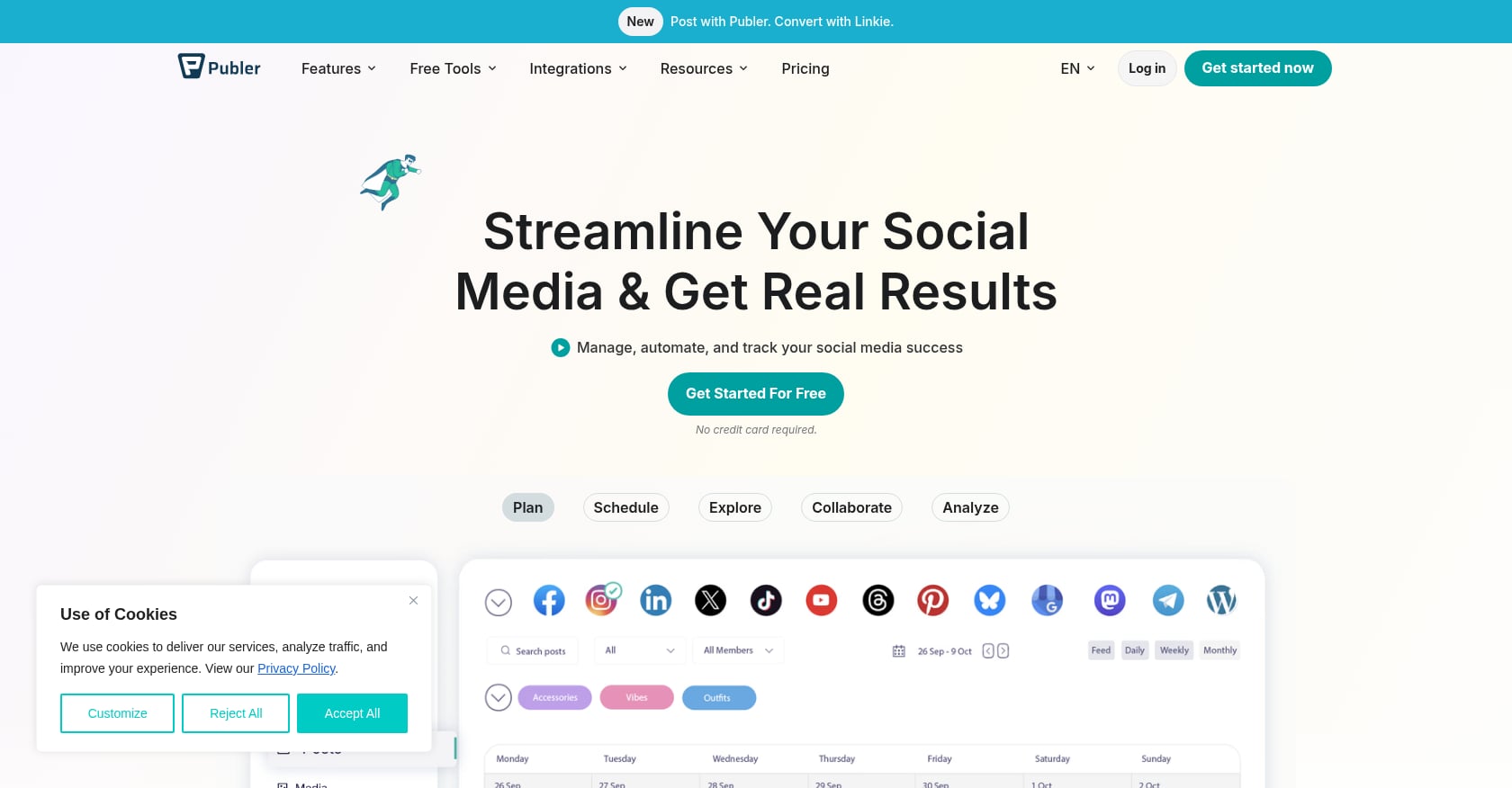
Best for: Budget-conscious teams that need bulk CSV uploads and clean workspace organization.
Platforms: 9+ networks
Pricing:
Free plan available
Professional: $12/month
Business: $21/month
Can add team members for $2 each
Key features:
Bulk upload via CSV handles large content batches smoothly
Workspaces keep different brands or clients organized
AI-assisted captions
Starts as low as $5/month per social account
Tradeoffs:
Analytics are weaker than Metricool or Hootsuite
No social listening
Fewer TikTok-specific features
Limited collaboration features compared to Planable
Publer is the quiet budget pick. It won’t wow you with features, but for teams that batch-create content in spreadsheets and just need reliable cross platform post scheduling, it does the job at a price that’s hard to beat.
10. Vista Social
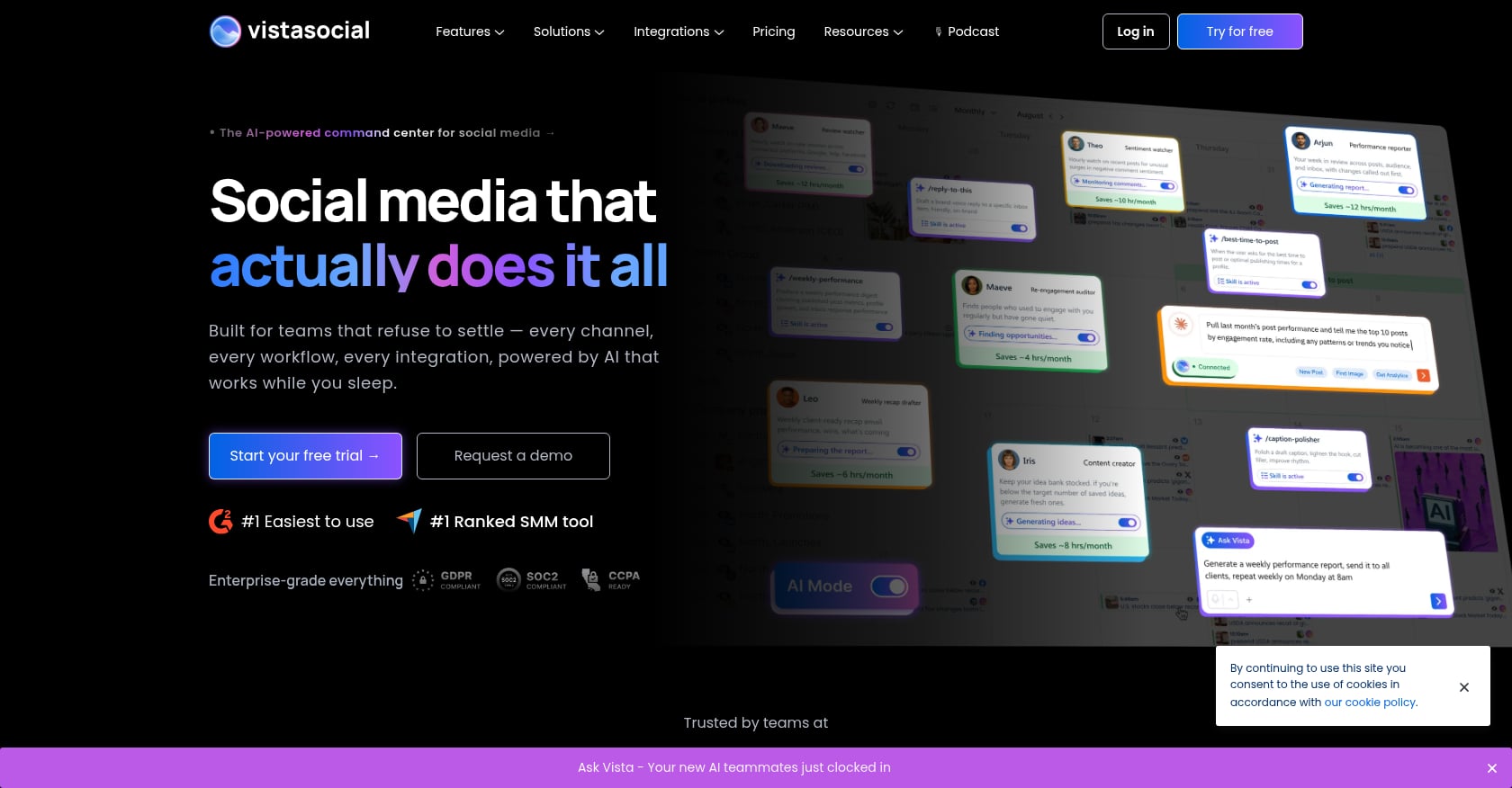
Best for: Teams wanting feature depth at a mid-range price point.
Platforms: Facebook, X, Instagram, YouTube, LinkedIn, TikTok, Pinterest, Google Business Profile, Threads, Snapchat, Reddit, Bluesky, Tumblr (13 total, the broadest coverage on this list)
Pricing:
Professional: From $79/month (3 users, 15 accounts)
14-day free trial
Key features:
Review management, social listening, and AI content generation all included
Price points undercut larger competitors offering similar features
Support for 13 social networks means you’re unlikely to hit a platform gap
Tradeoffs:
Less well-known brand with a smaller community
Fewer third-party integrations than Hootsuite or Buffer
Newer entrant means less long-term track record
Vista Social packs features that typically cost $200+/month into a sub-$100 package. If platform breadth and feature completeness matter more to you than brand recognition, it’s worth a trial.
Feature Comparison
Tool | AI | Analytics | Inbox | Social Listening | Bulk Upload | Team Approval | Commerce Tracking |
|---|---|---|---|---|---|---|---|
Trenz | ✓ | ✓ | ✓ | No | ✓ | ✓ | ✓ |
Buffer | Basic | Basic | No | No | Limited | Limited | No |
Hootsuite | ✓ | Advanced | ✓ | ✓ | ✓ | ✓ | Limited |
Later | Basic | Good | Limited | No | Limited | Limited | No |
SocialBee | ✓ | Good | No | No | ✓ | Limited | No |
Sprout Social | ✓ | Excellent | ✓ | ✓ | ✓ | ✓ | Limited |
Planable | No | Optional | Optional | No | No | Excellent | No |
Metricool | Basic | Excellent | No | No | Limited | Limited | No |
Publer | Basic | Good | No | No | ✓ | Limited | No |
Vista Social | ✓ | Excellent | ✓ | ✓ | ✓ | ✓ | No |
How to Choose the Right Tool for Your Situation
Skip the feature comparison paralysis. Start with your actual situation:
Budget under $50/month? Buffer (for simplicity) or Publer (for bulk scheduling). Both have free tiers to test.
Visual brand, Instagram-first? Later, if you can tolerate the reliability reports. Its grid planner and Linkin.bio are still the best visual planning tools available.
Agency needing client approvals? Planable. The approval workflow is purpose-built for agency-client relationships. If your agency also handles TikTok Shop operations, consider pairing it with a commerce-focused tool for the analytics and product research side.
Enterprise team with social listening needs? Hootsuite (if budget allows $99+/user/month) or Sprout Social (if you need CRM integration and can budget $199+/seat/month).
Heavy content recycler? SocialBee. The category system was designed for this exact use case.
Analytics priority on a budget? Metricool, keeping those add-on costs in mind.
Need the widest platform support? Vista Social covers 13 networks.
TikTok Shop seller who needs content-to-revenue tracking? Trenz. No other tool on this list connects product discovery, AI content creation, scheduling, and GMV measurement in a single pipeline.
Why Social Commerce Sellers Need More Than a Scheduler
Standard cross platform post scheduling tools were built for a world where social media success meant engagement: likes, comments, shares, reach. That’s still important, but it’s not the full picture for anyone selling products through social channels.
Generic schedulers like Buffer or Hootsuite add ecommerce features as afterthoughts. You’ll typically pay for enterprise tiers to get Shopify integration while 80% of the features target agencies and brand awareness campaigns. You’re not posting inspirational quotes. You’re coordinating product launches, running flash sales, and trying to figure out which posts actually drive purchases.
This is where the scheduling maturity model matters. Level 1 through 3 tools treat scheduling as a publishing logistics problem. Level 4 treats it as a revenue operation. That means tracking TikTok Shop analytics alongside your content calendar, understanding which products are trending before you create content about them, and attributing sales back to specific scheduled posts.
TikTok Shop is growing rapidly, and sellers who treat it as just another platform to cross-post to are leaving money on the table. The content that drives views on TikTok and the content that drives purchases are often different. A tool that understands that distinction, one that connects your product research to your content creation to your posting schedule to your sales data, changes how you approach the entire workflow.
See how Trenz connects scheduling to revenue
Bottom Line
Choosing a cross platform post scheduling tool depends on your goals rather than the number of features offered.
Choose Buffer if you want simplicity and affordability.
Choose Publer for inexpensive bulk scheduling.
Choose Later if Instagram is your primary channel.
Choose Planable for agency approval workflows.
Choose Metricool if analytics are your top priority.
Choose Hootsuite or Sprout Social for enterprise collaboration and social listening.
Choose Vista Social if broad platform coverage matters.
Choose Trenz if your business relies on TikTok Shop, AI-powered content creation, product discovery, and revenue attribution.
The best scheduler is the one that saves time while supporting your publishing strategy, collaboration needs, and business objectives—not necessarily the one with the longest feature list.
Frequently Asked Questions
Can I schedule TikTok posts with third-party tools?
Yes. Most major cross platform post scheduling tools now support TikTok publishing, including Buffer, Hootsuite, Later, SocialBee, and Trenz. The key difference is depth. Most tools let you schedule a post to go live at a specific time. Trenz goes further by connecting your TikTok post scheduling to product intelligence and GMV tracking, which matters if you’re selling through TikTok Shop.
What’s the cheapest cross platform scheduling tool?
Publer starts at $12/month for its Professional plan, and Buffer charges $5/channel/month. Both have free tiers. Trenz also offers a free plan with 50 credits and one social account. For pure budget scheduling without commerce features, Publer is hard to beat.
Do scheduling tools hurt engagement or reach?
No. There’s no evidence that platforms penalize scheduled posts from third-party tools. What matters is content quality and timing. Many schedulers include best-time-to-post features that can actually improve reach compared to posting manually at random times.
How many platforms should I post to?
Focus on the two or three platforms where your audience is most active rather than spreading thin across every network. Cross platform scheduling makes it easy to post everywhere, but that doesn’t mean you should. Quality and platform-specific optimization beat volume every time.
What’s the difference between cross-posting and cross platform scheduling?
Cross-posting means publishing the exact same content across all platforms simultaneously. Cross platform post scheduling is broader: it lets you customize content per platform (different captions, aspect ratios, hashtags) while managing everything from a single calendar. The best tools support both, but customization per platform consistently performs better than identical cross-posts.
Are AI features in scheduling tools worth the extra cost?
It depends on what kind of AI. Caption suggestions save modest time. AI video generation (available in tools like Trenz and Vista Social) can replace hours of editing work or hundreds of dollars in freelancer costs. With AI integration driving tool prices up 15 to 30% across the market in 2026, evaluate whether the specific AI capabilities match your content needs before paying the premium.
Author


